
Two-factor codes, safely in one place.
AuthVault generates your one-time codes and keeps them encrypted and organised — fast to reach when you need them, protected the rest of the time.
Everything it does, nothing it doesn't
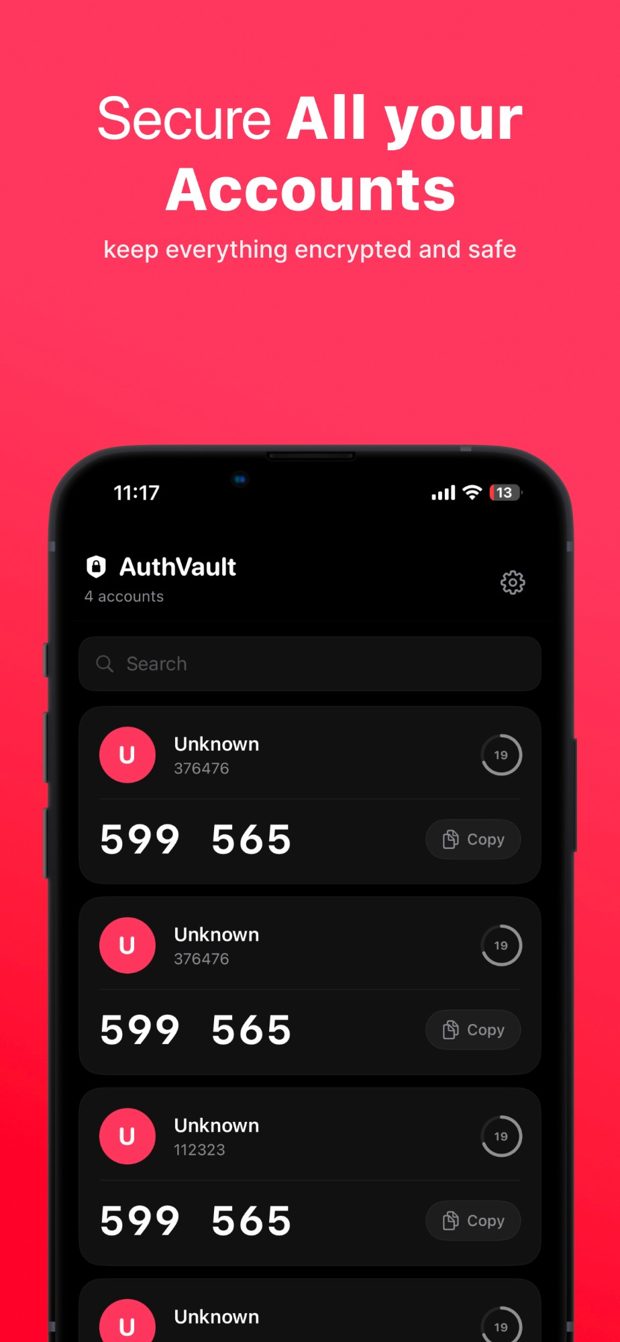
Time-based codes
Time-based one-time passwords for all your accounts.
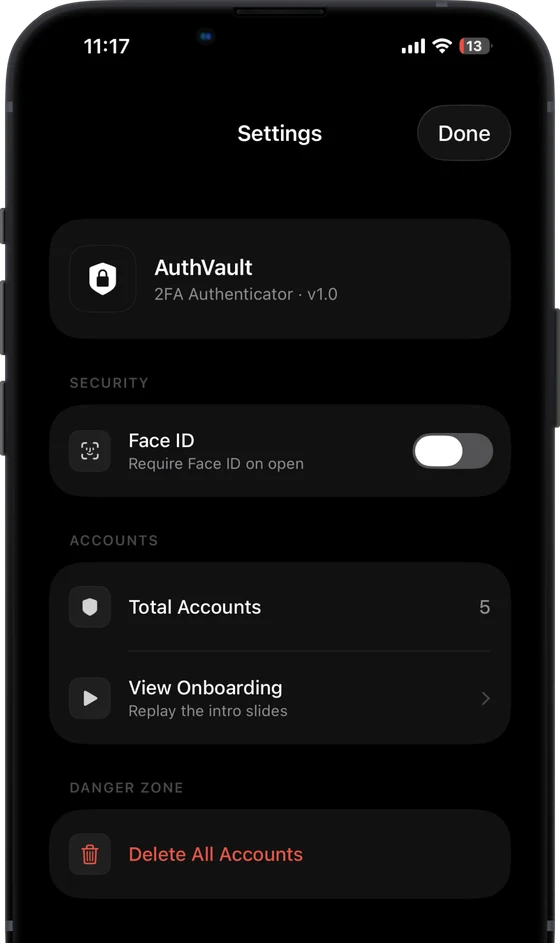
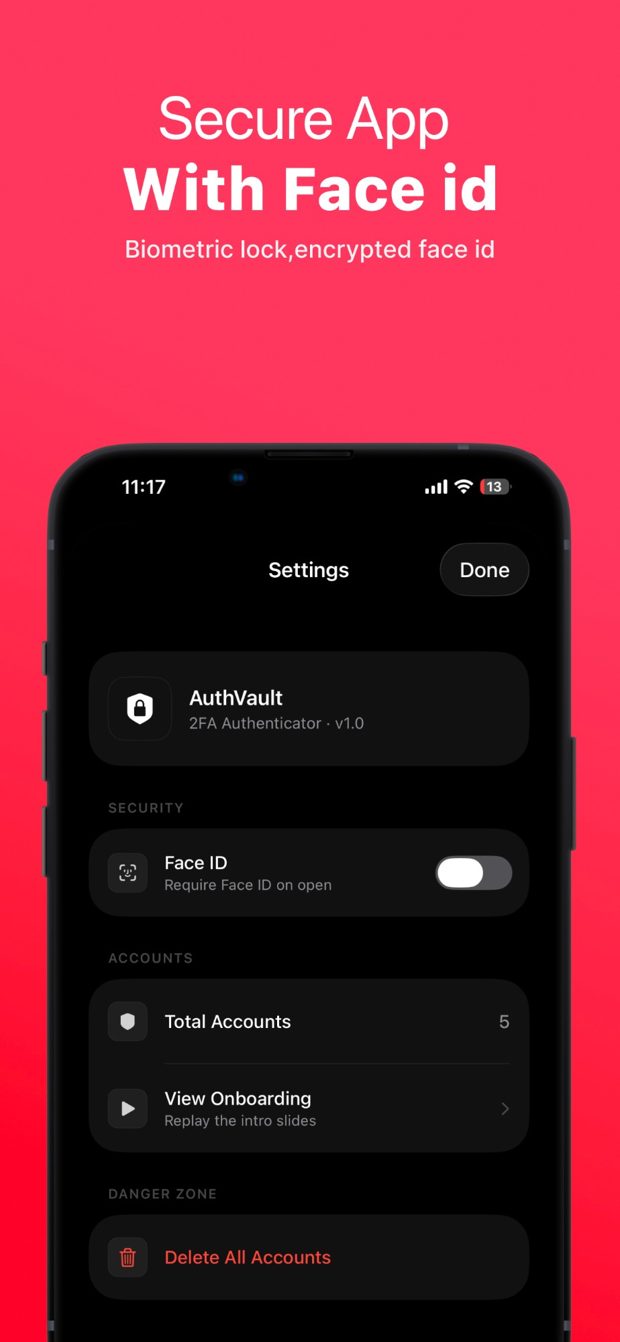
Encrypted & Face ID locked
Encrypted storage locked behind Face ID.
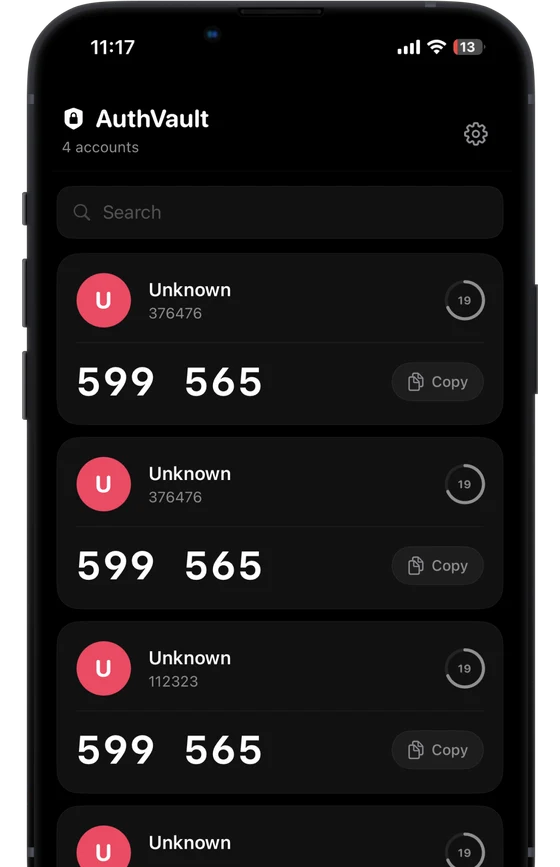
Search & one-tap copy
Quick search and one-tap copy when you're signing in.
See it in action
Up and running in three steps
No setup maze. Download, open, and go.
Download on theApp StoreAdd an account
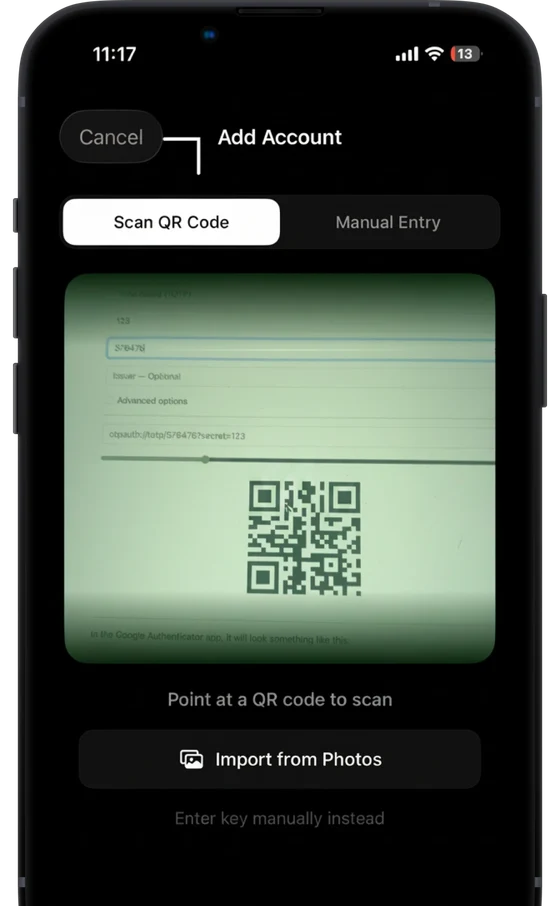
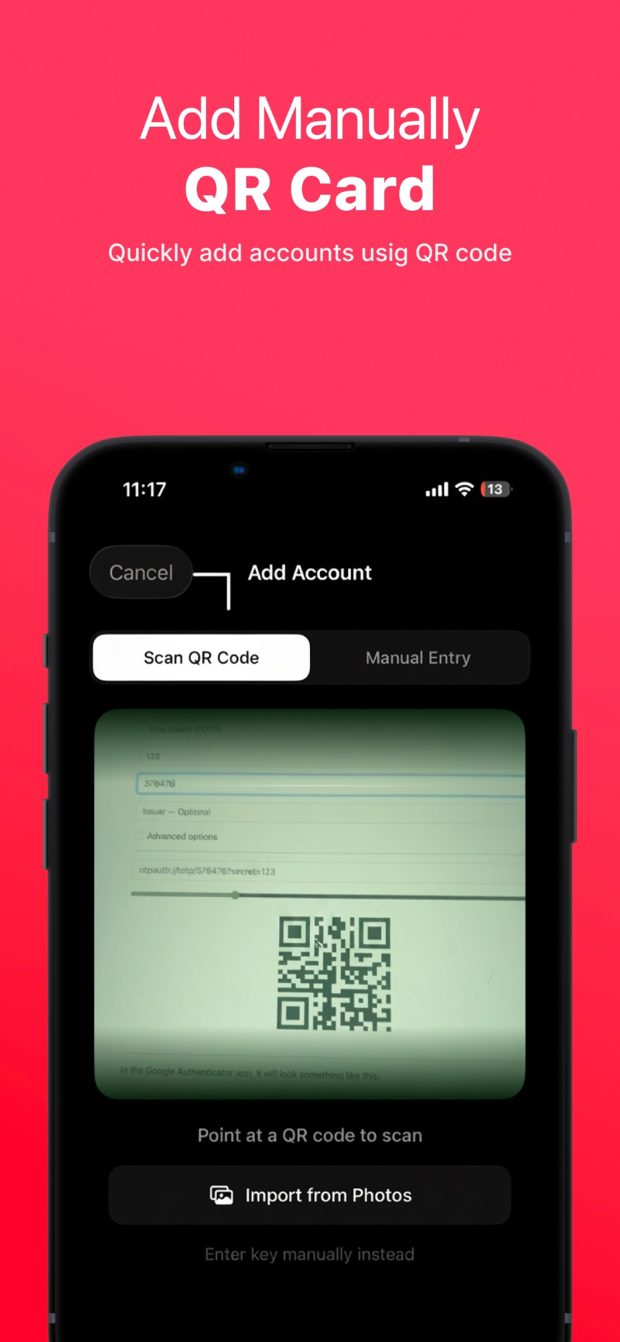
Scan a QR code or enter the key to add any two-factor account.
Unlock with Face ID
Your codes stay encrypted and locked until you authenticate.
Search & copy
Find an account fast and copy its code with one tap.
You can get 2FA AuthVault from the App Store — the listing shows current pricing and any optional purchases.
No. There is no sign-up, no analytics and no tracking — your secrets stay on your device. Read the full privacy policy.
Every Morhover Creation app is built for iPhone and iPad.
Every app shares one privacy policy, with a dedicated section for 2FA AuthVault.
Email contact@morhover.com or use the contact page. Every message is read by the developer who built the app.


Get 2FA AuthVault today.
All your two-factor codes, organised and encrypted in one place. Available on the App Store for iPhone & iPad.