Anything into a perfect PDF.
Scan documents with your camera, sharpen and enhance them, sign, and compress — a full document toolkit that fits in your pocket.
Everything it does, nothing it doesn't
Edge-detecting scanner
Edge-detecting scanner with auto enhance for crisp, clean pages.
Sign, annotate & reorder
Sign, annotate and reorder pages — right from your phone.
Compress & share
Compress and share high-quality PDFs anywhere.
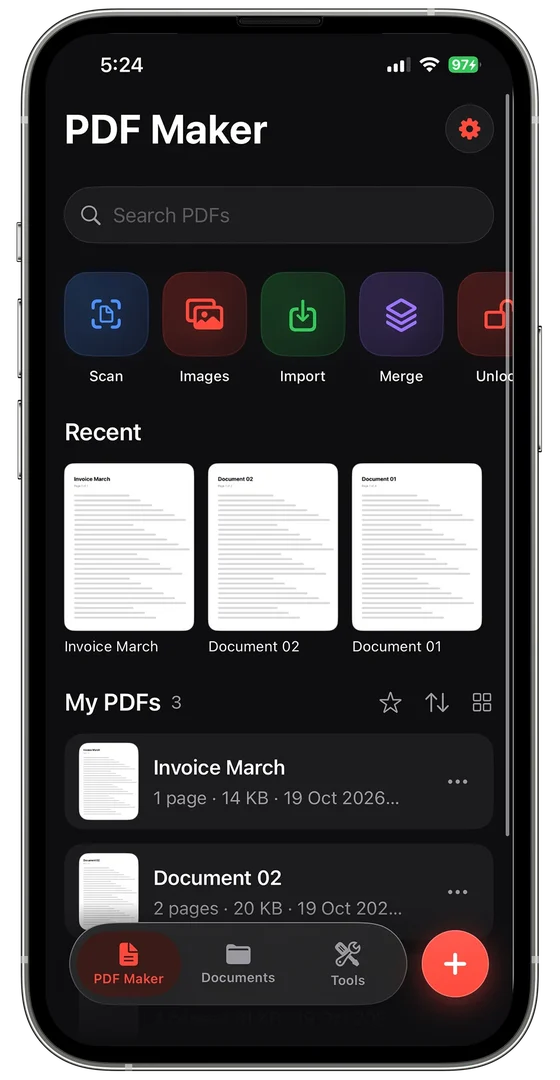
Merge & import
Merge PDFs, turn images into a PDF, or import files you already have.
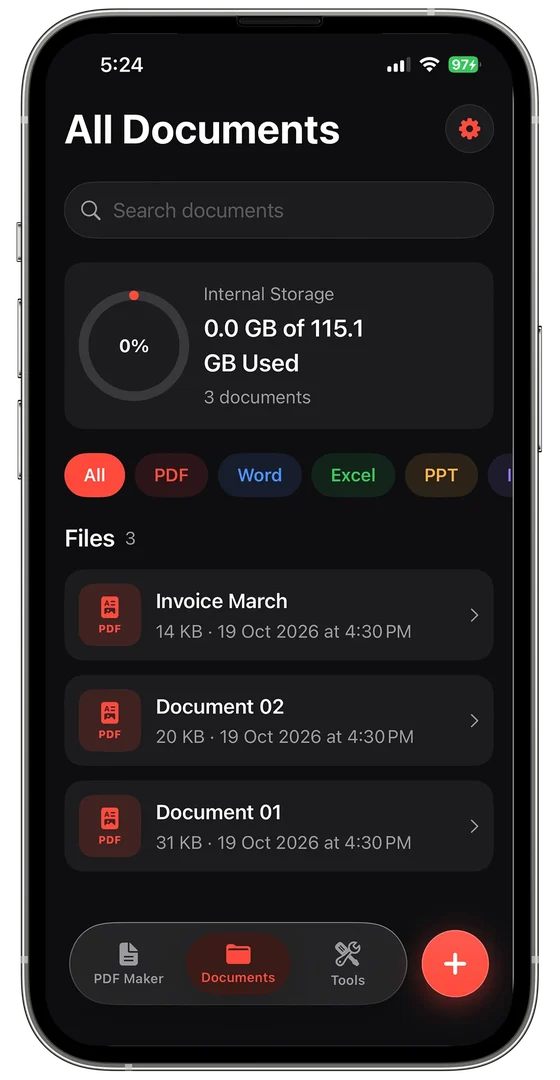
All documents in one place
Find, organise and open PDF, Word, Excel and PPT files from a single library.
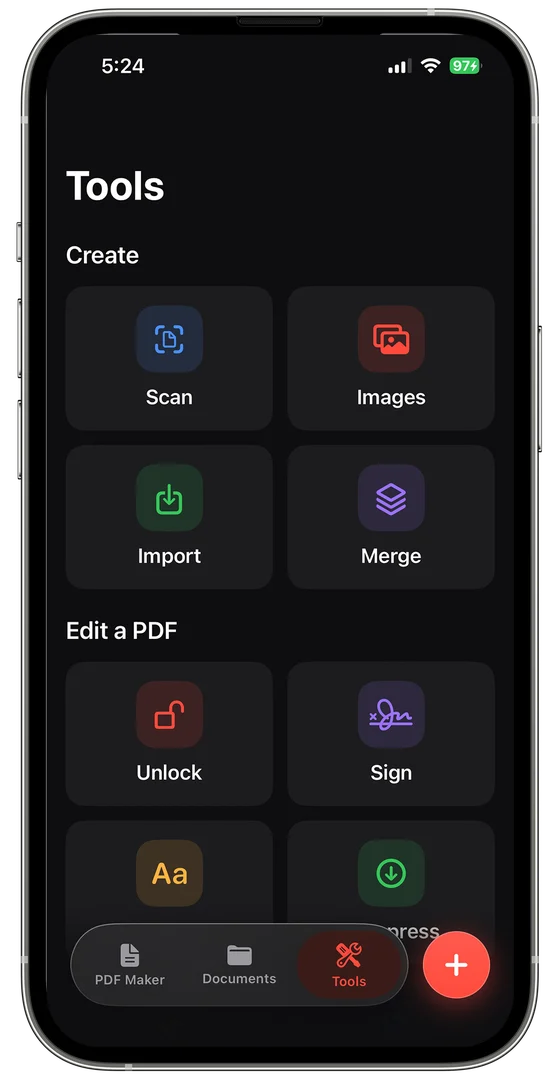
Unlock
Unlock protected PDFs when you need to edit them.
See it in action
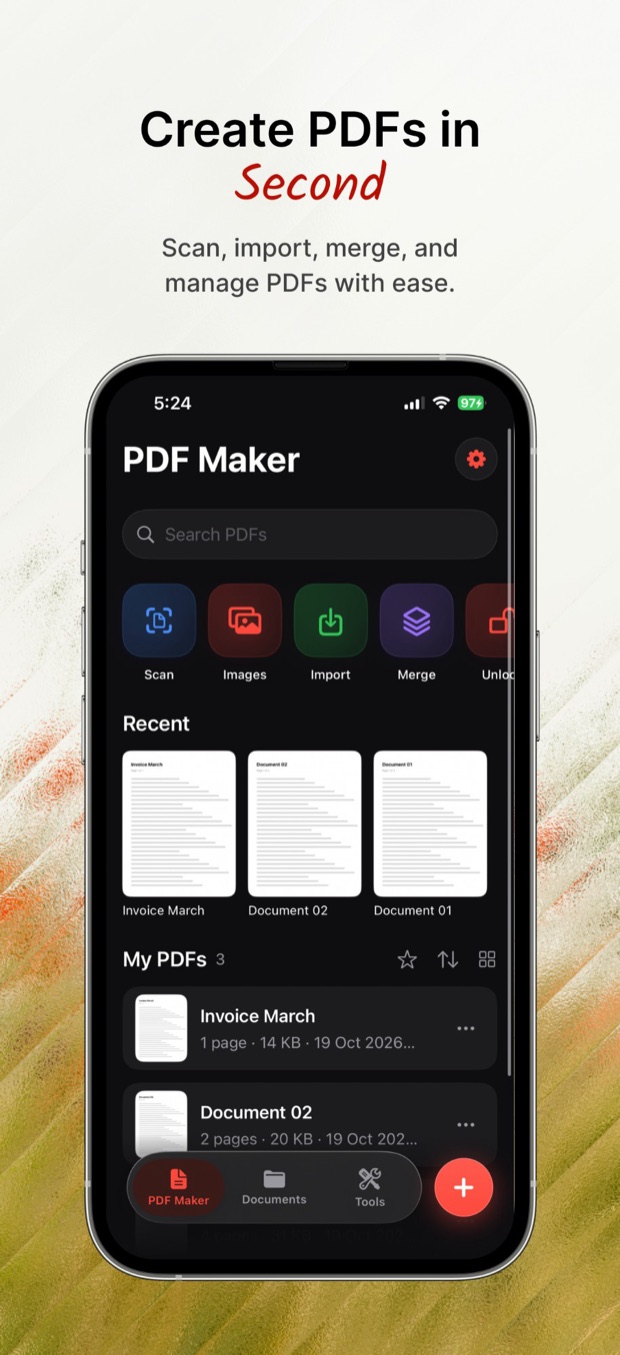
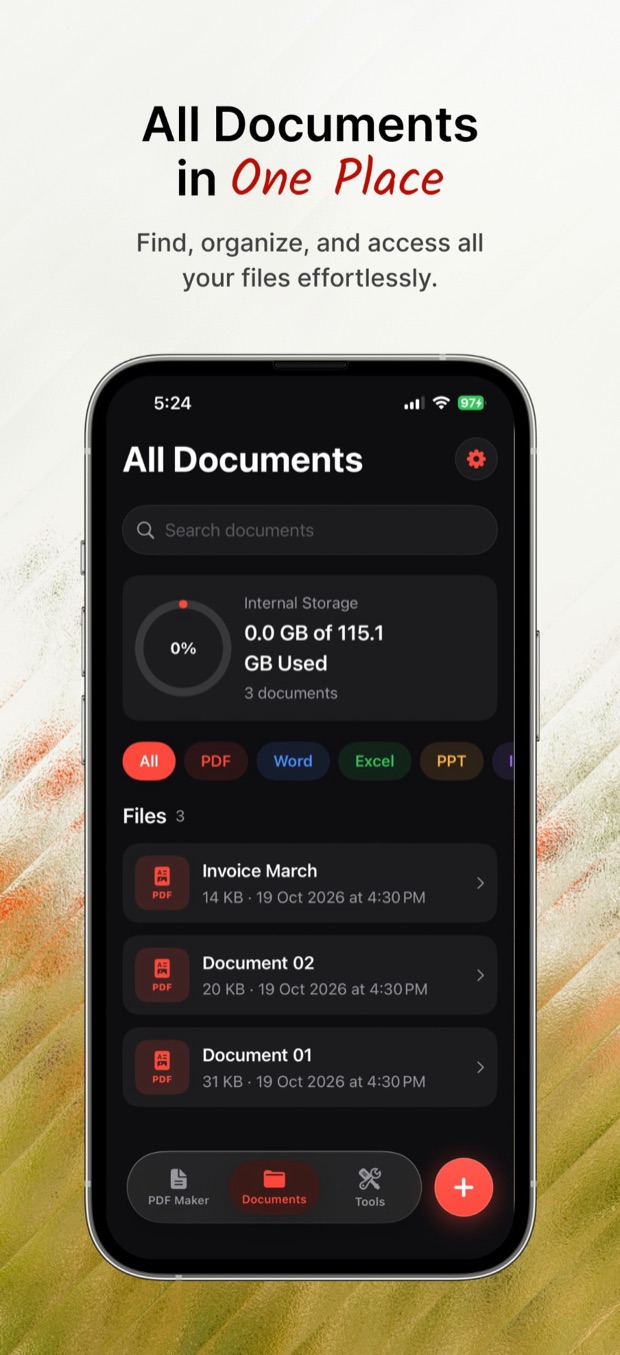
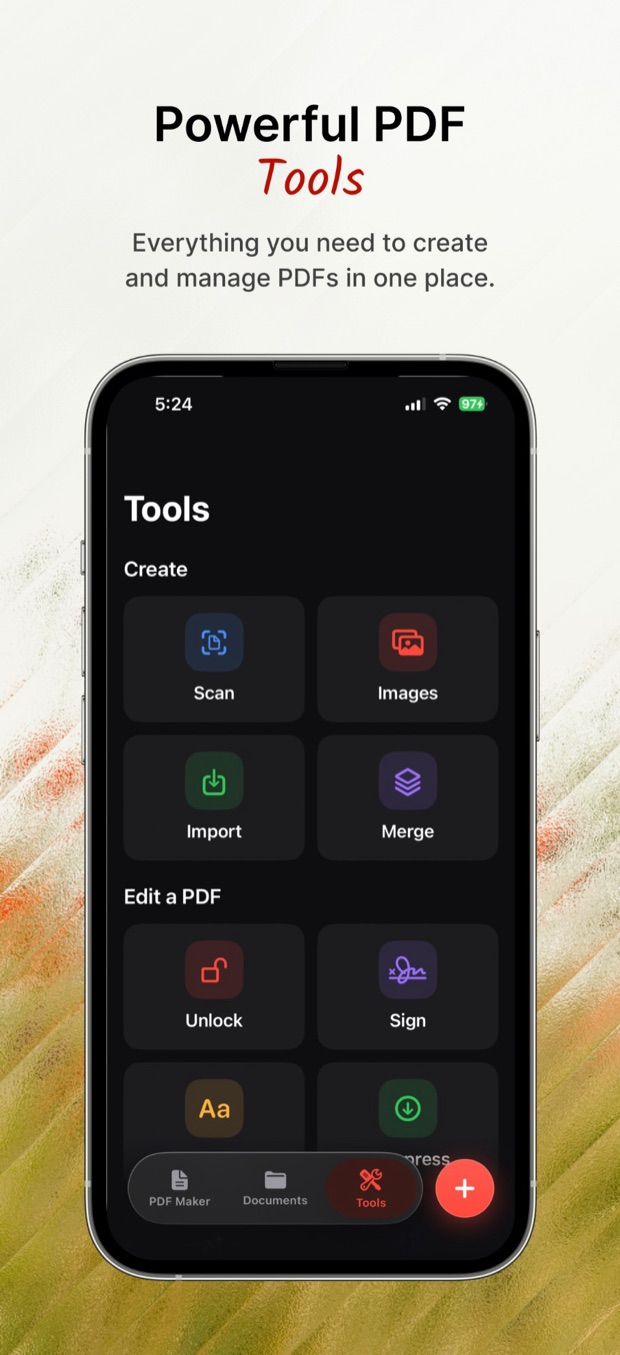
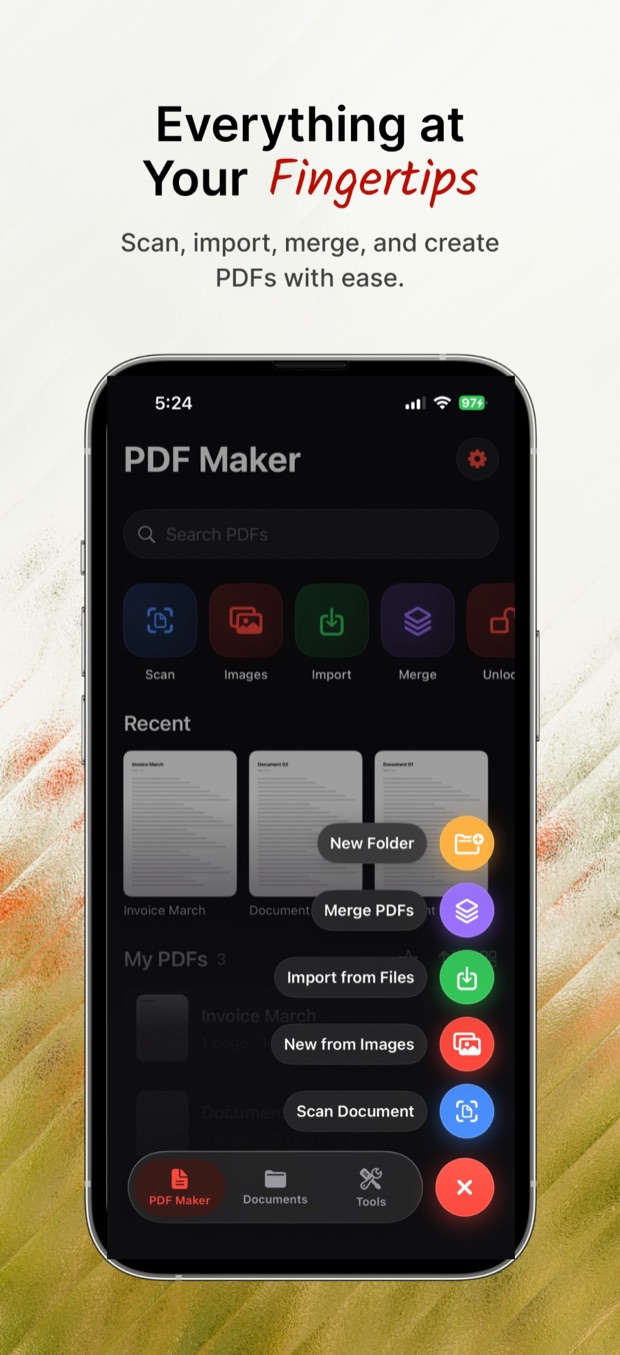
Up and running in three steps
No setup maze. Download, open, and go.
Download on theApp StoreScan or import
Scan with the camera, pick images, or import files — all from one + button.
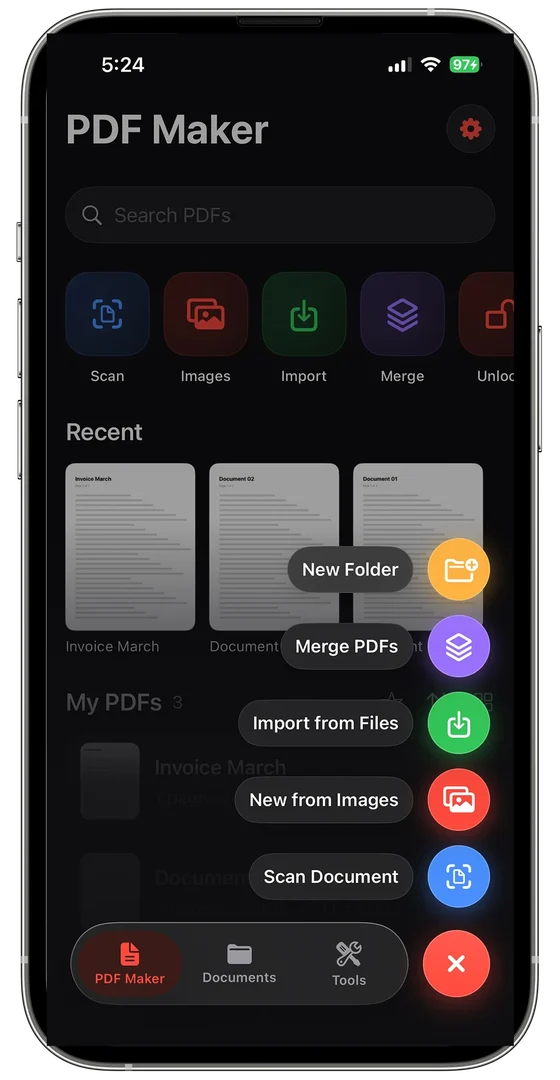
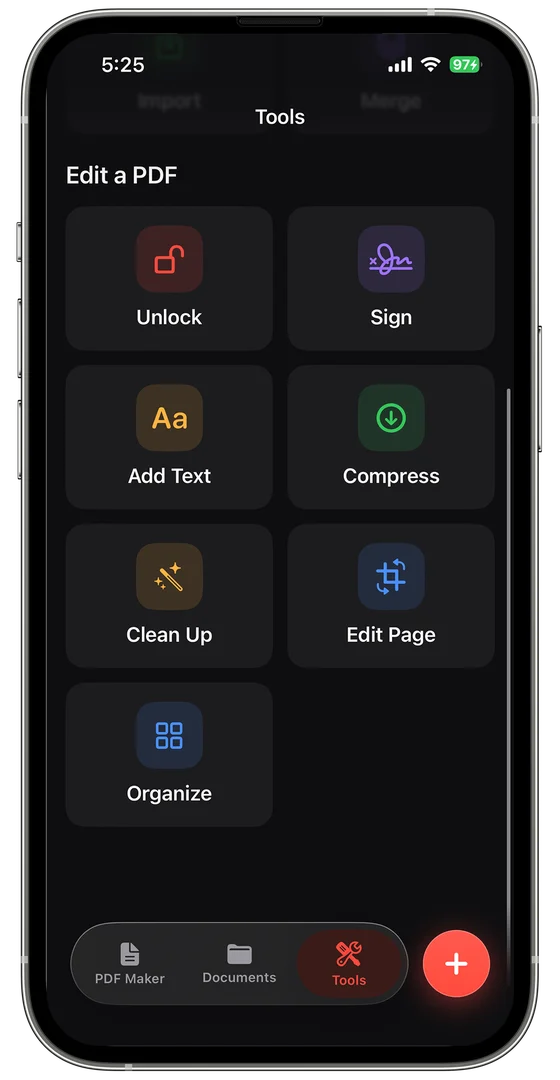
Edit with the toolkit
Merge, unlock, sign and compress from the Tools tab.
Find it again
Search, sort and filter every document in your library.
You can get PDF Maker & Enhancer from the App Store — the listing shows current pricing and any optional purchases.
Every Morhover Creation app is built for iPhone and iPad.
Yes — sign and annotate pages directly in the app.
Every app shares one privacy policy, with a dedicated section for PDF Maker & Enhancer.
Email contact@morhover.com or use the contact page. Every message is read by the developer who built the app.



Get PDF Maker today.
Scan, enhance, sign and compress — anything into a perfect PDF. Available on the App Store for iPhone & iPad.